
You’ve got a
friend in Omio
Travel can be daunting. To put your mind at ease, Omio has created the Pocket Travel Companion to help you get where you need to go. We give you the latest updates about your journey, both before and during your trip, so you don’t get stranded or lost.


Ready, steady, go
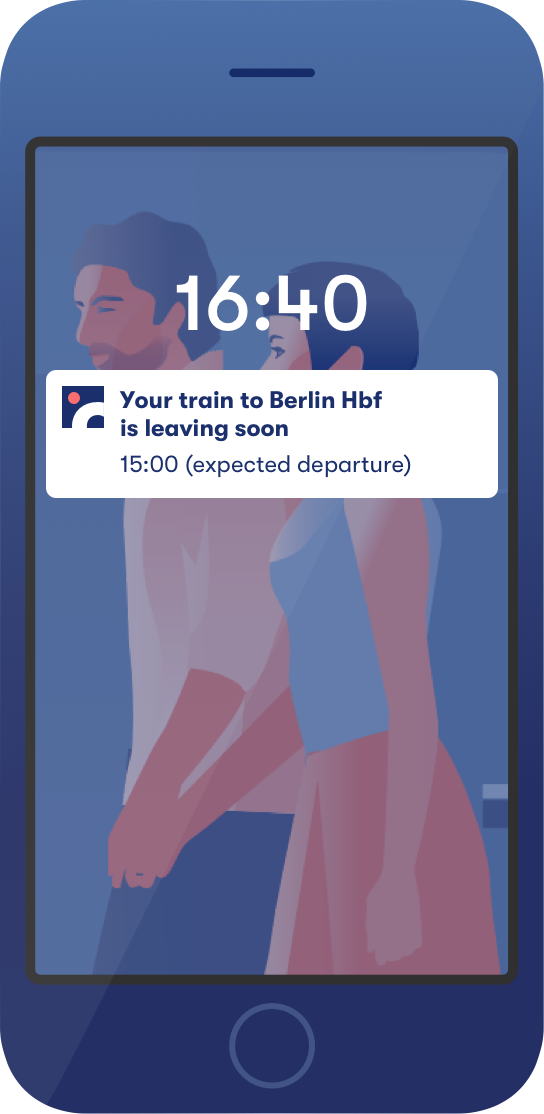
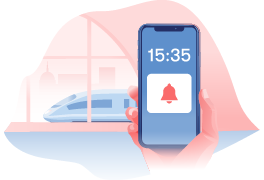
No last-minute surprises—get a
notification about your trip
before departure.
One app to keep
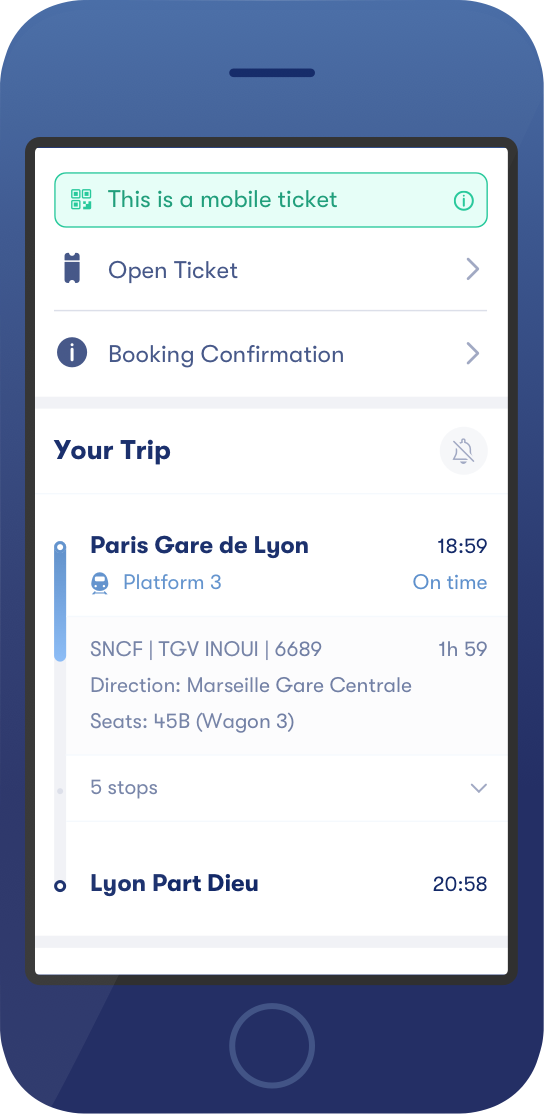
you on track
The Live Journey Tracker stays alert, so you don't have to.
A Companion that never
leaves your side

On the move
Get instant notifications on platform info and changes.
Stay in the know
If there’s a delay or cancellation, we’ll notify you ASAP!

One step ahead
Don’t worry, we’ll give you a nudge when it’s time to get off.
The Omio App Makes Travel Planning Easy
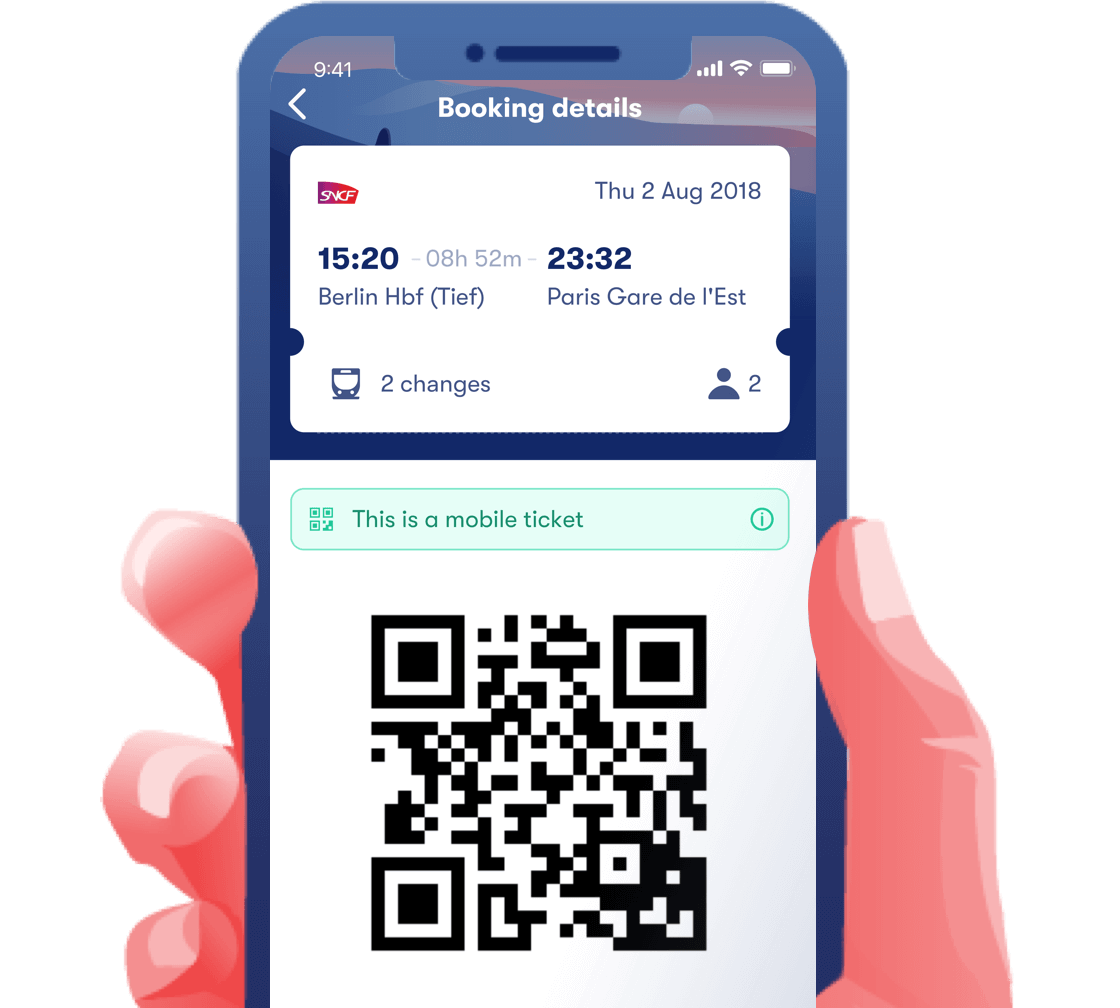
We’ll get you where you want to go. From live train updates to mobile tickets, our innovative app is the ideal way to plan and keep track of your travel.
Enjoy the full Companion experience with these
providers:




Companion FAQs
Still unclear about Companion? Don’t worry, we’re here to help. Here are some answers to your burning questions:
App requirements
Do I need to have the Omio app downloaded in order to use the Pocket Travel Companion?
Yes, Companion is only available when you have the Omio app downloaded on your mobile device.Internet connection
Will Companion work if I don’t have an internet connection?
The Live Journey Tracker feature will still give you an estimate on how your journey is progressing, as it’s based on time and distance. Having an internet connection will allow the tracker to operate more accurately. To improve accuracy, switch on your location services. Live Journey Tracker is time-based and will identify your location once you open the app, launching automatically. However, Live Journey Tracker will still work without location services turned on but will be less precise.Mobile tickets
Do I need to have a mobile ticket for Companion to work?
No, you can use Companion with mobile tickets, e-tickets and paper tickets, whatever you choose. The Live Journey Tracker tracks your journey regardless of ticket type.Enable Notifications
Do I need to switch on notifications to use Companion?
In order for Live Updates to work automatically, notifications must be switched on. If notifications are not enabled, you will need to update the app. Updates will be marked by a little red dot that will be visible when you open the app.Opting in or out
How do I opt-in or -out of Live Updates?
Even if notifications are turned off, you can still opt-in for Live Updates. A reminder will appear in your booking details for you to opt-in or -out. You can also choose to turn off notifications for specific journeys and easily customise which routes you would like Live Updates for.Using Live Updates
How do I know if my booking is eligible for Live Updates?
We’ll let you know. Currently, Companion is fully compatible with SNCF and Italo trains as well as across Great Britain (that means trains and buses). Bear with us! We’re working on adding more providers.Out-of-app bookings
If I didn’t book my journey through the app, can I still use Companion?
If you booked your journey on the web and without an account it is still possible to retrieve your booking via the Omio app in order to benefit from the Companion experience. You can retrieve any ticket and booking thanks to the confirmation code and the e-mail that was used at the time of booking. Our app then comfortably stores all the tickets in one place with the extra features, including Companion.Accuracy of Companion
What if the info from the provider is not matching what I see in the station?
In this case, please verify the information at the service desk. Companion works in conjunction with information provided by providers but sometimes it might not be up to date.Cancelled/missed trip
What do I do if my train/bus has been cancelled or I have missed my connection?
You can contact our Customer Service team in English 24 hours a day, seven days a week. You’ll find a link to the Customer Service contact form in your booking details, or if urgent, you can give them a phone call.Mobile data usage
Will Companion use up my mobile data?
No, Companion will only use your mobile data when the Omio app is in use.Troubleshooting